iplfantasybuzz Official Website: Verify the Domain
How to verify the iplfantasybuzz official website, what to do when the operator's domain changes and how to avoid lookalike domains that imitate the brand.
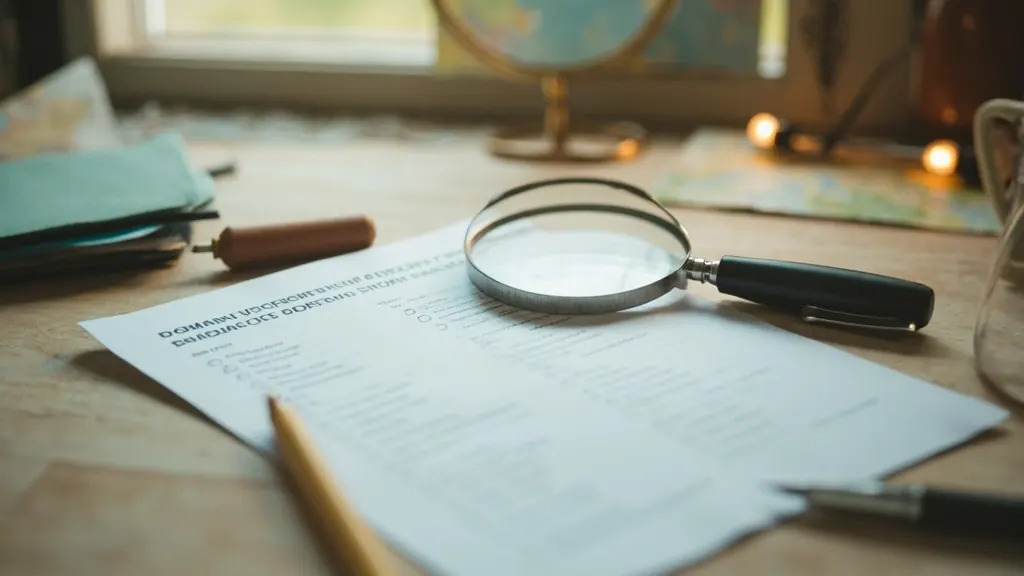
Lookalike domains are a common phishing tactic
Phishing campaigns often register domains that look similar to the operator's official domain: a hyphen where there should not be one, a different top-level domain, a transliteration that looks similar but is not. Verifying the domain before you log in or deposit is the single most reliable way to avoid phishing.
Five checks before you log in or deposit
Check the spelling
Read the domain character by character. Look-alike characters (0 for o, 1 for l, rn for m) are a common phishing tactic.
Check the top-level domain
Verify the top-level domain matches the operator's documented domain. A .com where the operator uses .in is a soft red flag.
Check the certificate
Click the padlock icon in the address bar and verify the certificate is issued to the operator's documented company.
Check the redirect
If the URL redirects to a different domain, verify that the destination is also the operator's documented domain.
Check the app store listing
If you are using the app, the app store listing should link to the same domain as the operator's official site.
Operators change domains. Verify the new one.
Operators occasionally change their official domain. When this happens, they usually announce the change on their verified social channels and in the app. Verify any new domain by following the link from the app or from the operator's verified social channels; do not follow a link from an email you did not initiate.
Official website questions
What is the official iplfantasybuzz domain?
Verify the current official domain on the operator's verified social channels or in the app. We do not publish a specific domain on this site because operators change domains.
How do I avoid lookalike domains?
Check the spelling character by character, verify the top-level domain and verify the certificate in the address bar.
What if I clicked a phishing link?
Change your password immediately, contact the operator's customer-care channel and review your recent transactions for unexpected activity.
Where can I read about customer-care channels?
Open the customer-care page for the verified support channels and escalation paths.
Where can I read about the verification guide?
Open the app verification guide for publisher, package name and permissions checks.
Verify the domain before you log in
The five checks on this page take less than a minute and protect you from lookalike domains that imitate the brand.
Build the lineup that earns the captain slot
Start with the prediction desk and verify the scoring rules before you lock your entry. The verification walkthrough takes five minutes and protects you from phishing apps and unusual permissions.